
Nowadays, Web-based design tools have become an essential part of our design process. With the vast number of tools available in the design world, installing every tool is not practically possible for us. Web-based tools are not like in the past, when they were made for a single task. Today, they have evolved into full creative platforms that support branding, marketing, product design, and team collaboration—without requiring heavy software or powerful machines.
At GraFeeXa, we work across different stages of projects: ideation, branding, client drafts, production, and final delivery, and we know that’s not possible by using a single tool. Because of that, over time, we’ve tested dozens of tools, but these five consistently stand out for real-world use.
Below, we have added a detailed, honest breakdown of the top 5 web-based graphic design tools, written from practical experience—not marketing hype.
1. Canva – The All-in-One Design Platform
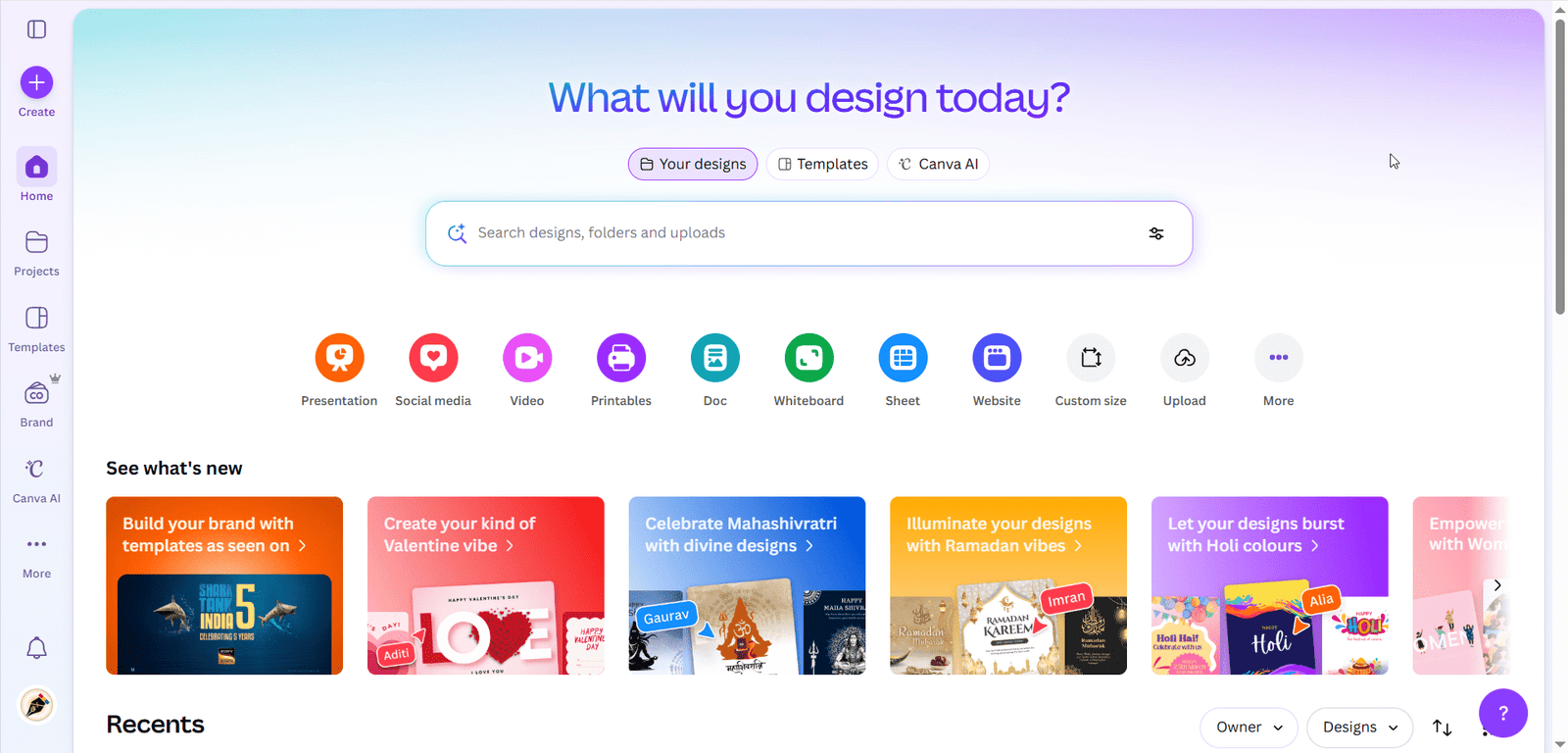
Canva was designed to make the design process less difficult. Instead of starting with a blank canvas, users can start their designs with thousands of templates for social media posts, ads, presentations, resumes, business cards, posters, and more.
From a workflow standpoint, Canva is made for large-scale content creation. Using brand kits, teams can quickly produce dozens of design contents while maintaining brand consistency, and can even schedule posts easily. It also includes simple video editing, animations, and AI tools like a powerful background remover and Magic Studio, where you can do so many things using the power of AI.
Canva prioritizes efficiency, speed, and accessibility over in-depth, complex creative techniques that create barriers for beginners or non-designers.
Pros
- Extremely easy for beginners
- Massive template and asset library
- Brand kits for consistent visuals
- Works well on low-end devices and is also mobile-friendly
- Supports images, video, and presentations
Cons
- Limited creative control
- Designs can feel repetitive
- Weak for professional print work
- Weak for Vector based designs
- Not ideal for original brand systems
Our take:
Canva is unbeatable for speed and volume, but not for complex design editing. It’s a productivity tool first, and a pro creative tool second.
Best for:
Marketing teams, social media managers, startups, non-designers.
[ Visit Canva → https://www.canva.com/ ]
2. Kittl – The Typography & Branding Tool
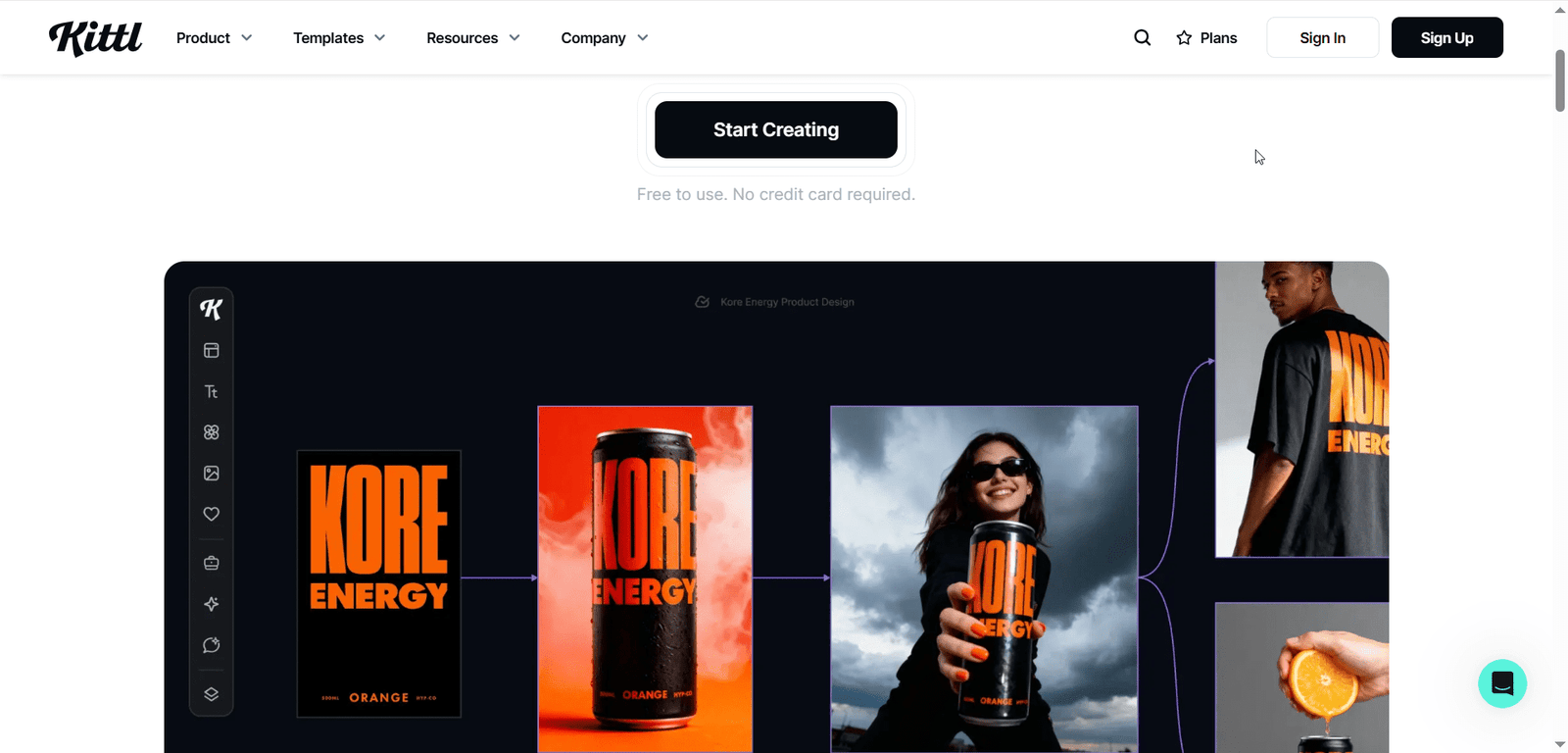
Kittl focuses on visual style and typography-first design. Unlike Canva, which covers everything, Kittl specializes in branding assets like logos, posters, packaging, merchandise, and social visuals that have a strong aesthetic identity.
This tool is perfect for those who want to experiment with font pairings, layouts, and typography effects. It has broken the complexity of traditional graphic design tools, which had hard rules to create these types of designs. So, it is especially for those who enjoy working with typography and composition.
Kittl is often used during the brand identity exploration phase, not just for the final output.
Pros
- Advanced typography controls
- Beautiful text effects (vintage, neon, 3D, etc.)
- Strong for logos and merch
- Built-in mockups
- More creative freedom than Canva
Cons
- Smaller template library
- Not great for UI or complex layouts
- Limited export options
- Paid plan needed for full features
Our take:
Kittl feels like a real designer’s tool in a web environment. It encourages creativity instead of just filling templates.
Best for:
Logo designers, merch creators, branding-focused projects.
[ Visit Kittl → https://www.kittl.com/ ]
3. CorelDRAW Go – Browser-Based Vector Editor
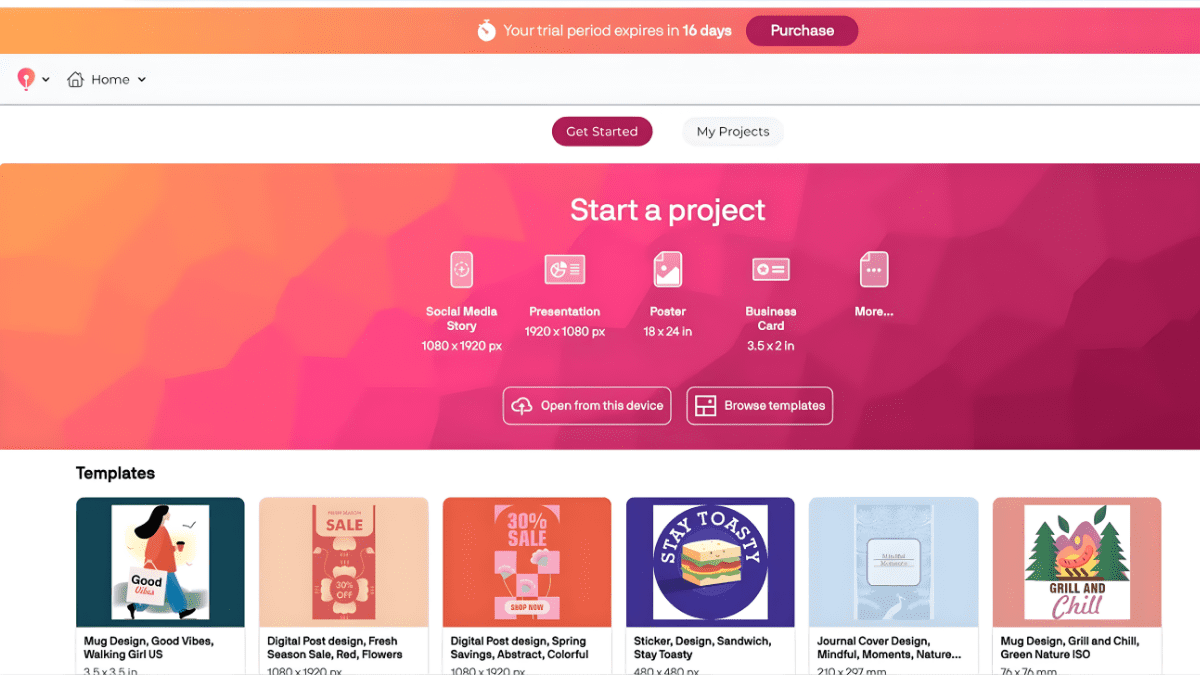
CorelDRAW Go brings traditional vector design into the browser. This means you can work with real shapes, paths, nodes, and layers—similar to desktop tools like Illustrator, but in a lighter form. It also breaks the vector limitations of Canva by giving users more control and precision over their designs.
It’s specially designed for users who understand design basics and want to create vector-based designs for their work. Instead of flashy templates, you get proper tools for logos, icons, diagrams, and simple illustrations. Moreover, you can design social content using its hybrid features along with vector options.
According to us, this tool is very simple, with a clean UI and vector capabilities, and follows classic graphic design workflows rather than content creation platforms.
Pros
- True vector editing
- Good precision and control
- Familiar for Corel users
- Suitable for logo work
Cons
- Dated interface
- Slower performance
- Weak collaboration features
- Small ecosystem
Our take:
CorelDRAW Go is for designers who want control, not shortcuts.
Best for:
Vector artists, logo designers, basic design or print work.
[ Visit CorelDRAW Go → https://go.coreldraw.com/ ]
4. Adobe Express – Simplified Adobe Experience
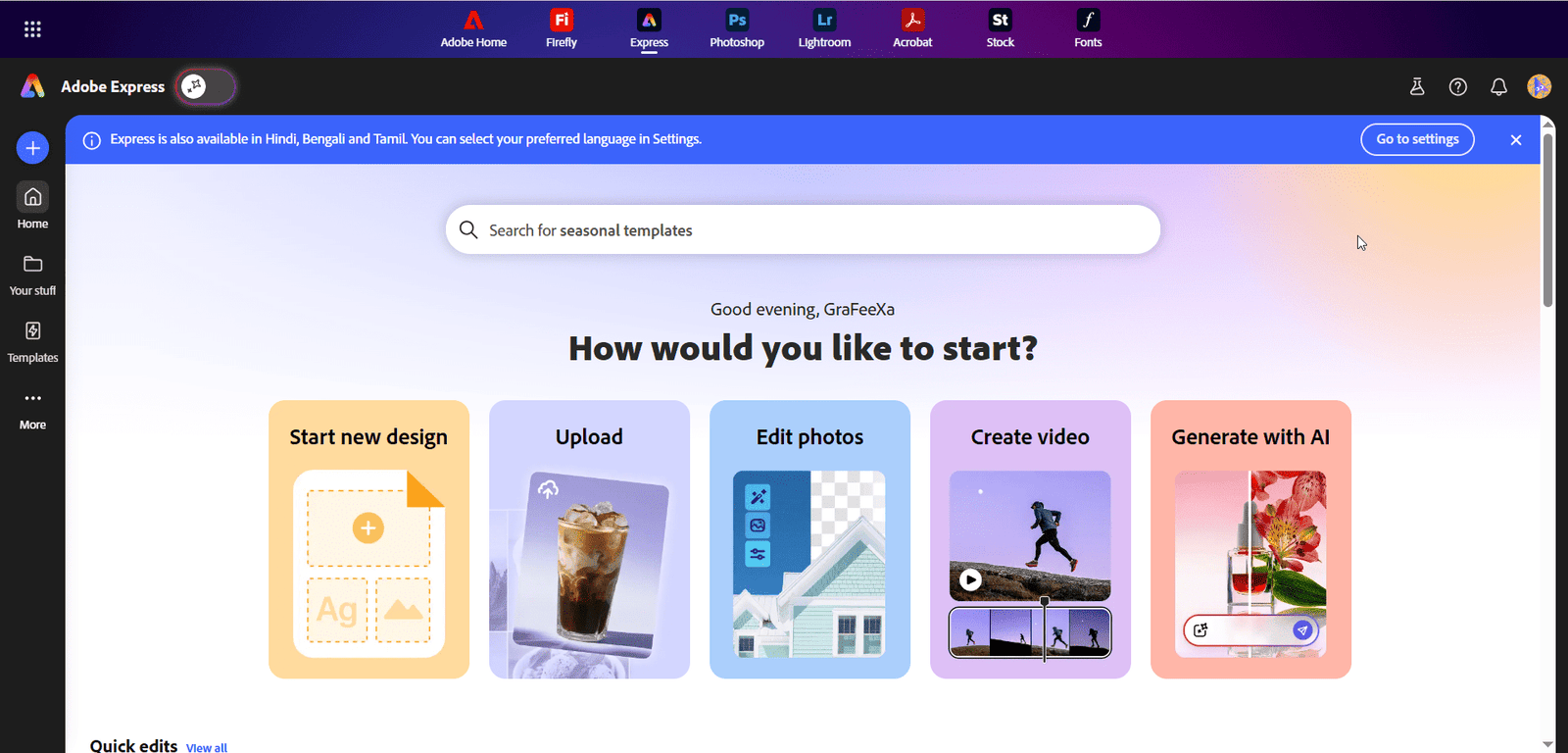
When all companies are in the race to make web-based design tools, why should Adobe lag behind? So they also created Adobe Express.
It is Adobe’s lightweight design tool for the web. It sits between Canva and professional apps like Photoshop or Illustrator.
You can create quick designs using its simplest design rules and pre-made templates. Once you define logos, fonts, and color ideas, you can then quickly generate content that stays on-brand across social media, ads, and presentations.
One of the most powerful sides of Adobe Express is that you can get access to a vast library of Adobe Stock. It’s particularly designed for people who want professional-looking results without learning complex tools.
Pros
- High-quality templates
- Adobe fonts and stock
- Brand kits
- Reliable export quality
Cons
- Limited creative freedom
- Many features locked behind paid plans
- Not suitable for advanced design work
- Feels restrictive for experienced designers
Our take:
Adobe Express is safe, clean, and professional—but not experimental.
Best for:
Corporate teams, educators, content creators, brand managers.
[ Visit Adobe Express → https://express.adobe.com/ ]
5. Figma – The Collaborative Design System
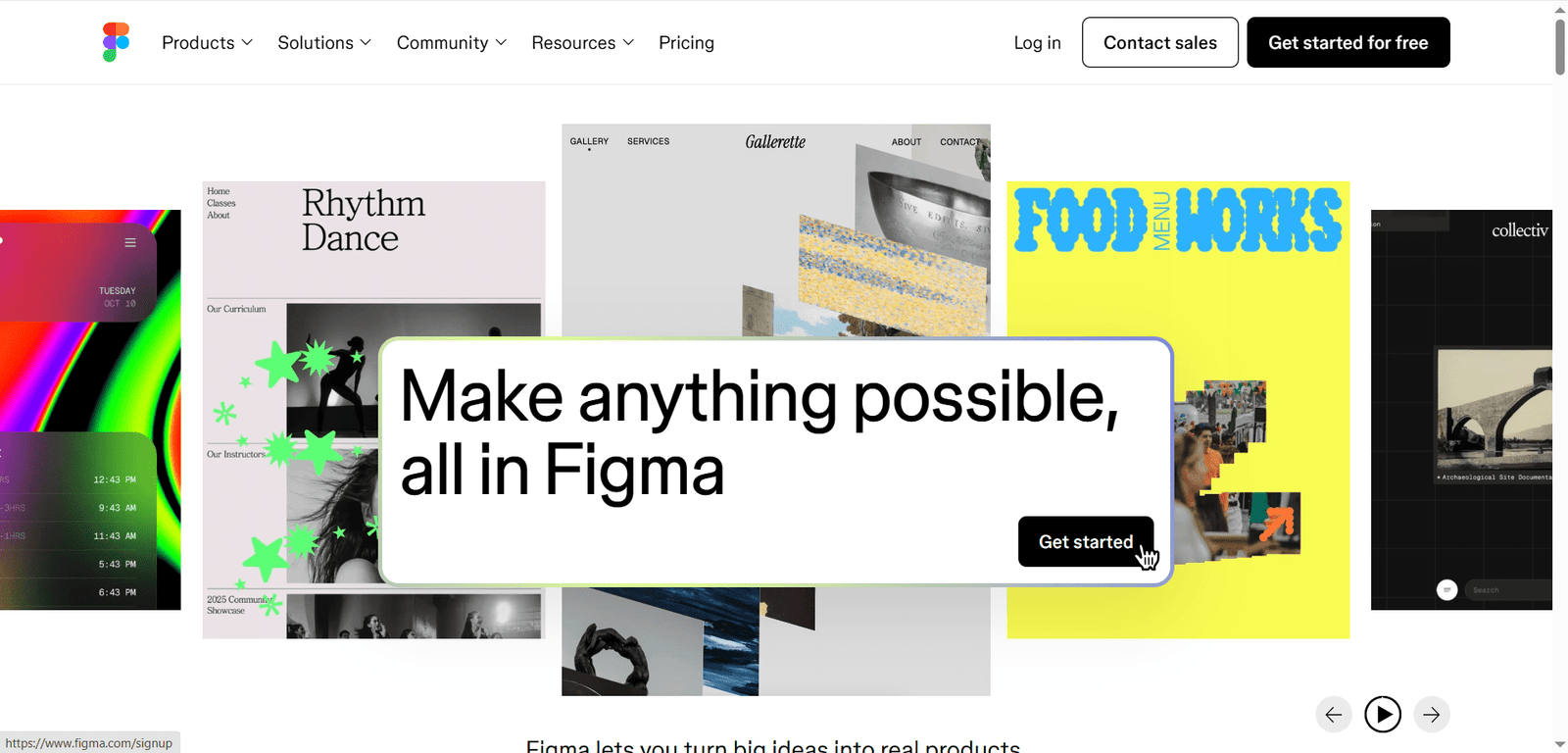
Last but not least, when we talk about Figma, it’s not just a design tool — it’s the best prototyping and collaboration platform for digital products. It’s where teams design websites, mobile apps, dashboards, and even entire design systems together in real time before making them live.
Figma’s powerful components, styles, grids, and interactions give us a solid structural base to work with. They help us scale designs, stay consistent, and evolve projects easily.
It’s not just a platform — it’s a place where design becomes systematic, strategic, and collaborative.
Most importantly, designers, developers, and stakeholders can all work on the same file at the same time, leave comments, give feedback, and track changes instantly. There’s no need to send files back and forth or worry about version control.
Figma also works entirely in the browser, which means anyone can access projects from anywhere without installing heavy software. This makes it ideal for remote teams and fast-moving startups.
In this way, Figma has become a master tool not only for UI/UX designers, but for all designers who want a flexible and truly collaborative design platform.
Pros
- Real-time multi-user editing
- Extremely powerful design systems
- Industry standard for UI/UX
- Huge plugin ecosystem
- Fully cloud-based
Cons
- Steep learning curve
- Overkill for simple graphics
- Not suitable for print
- Requires solid design knowledge
Our take:
Figma is not a design app—it’s a design infrastructure.
Best for:
UI/UX designers, startups, product teams.
[ Visit Figma → https://www.figma.com/ ]
Final Thoughts
After years of working with clients and internal projects, one thing is clear:
There is no single best tool for all-in-one work; you need to choose the right tool based on your job.
In real workflows, we often combine them:
Canva / Adobe Express for fast marketing content
Kittl for logo and merch designs
CorelDRAW Go for clean vector designing
Figma for websites, apps, and collaborative product systems
Web-based design is no longer a compromise. It’s now a strategic advantage—if you know how to choose the right tool at the right time. In the vast number of tools on the web,
the real skill today is not mastering one or all platforms, but understanding which tool solves which problem most effectively. So, choosing the correct tools for your workflow and combining them to complete your project is the real game changer.
Add a Comment